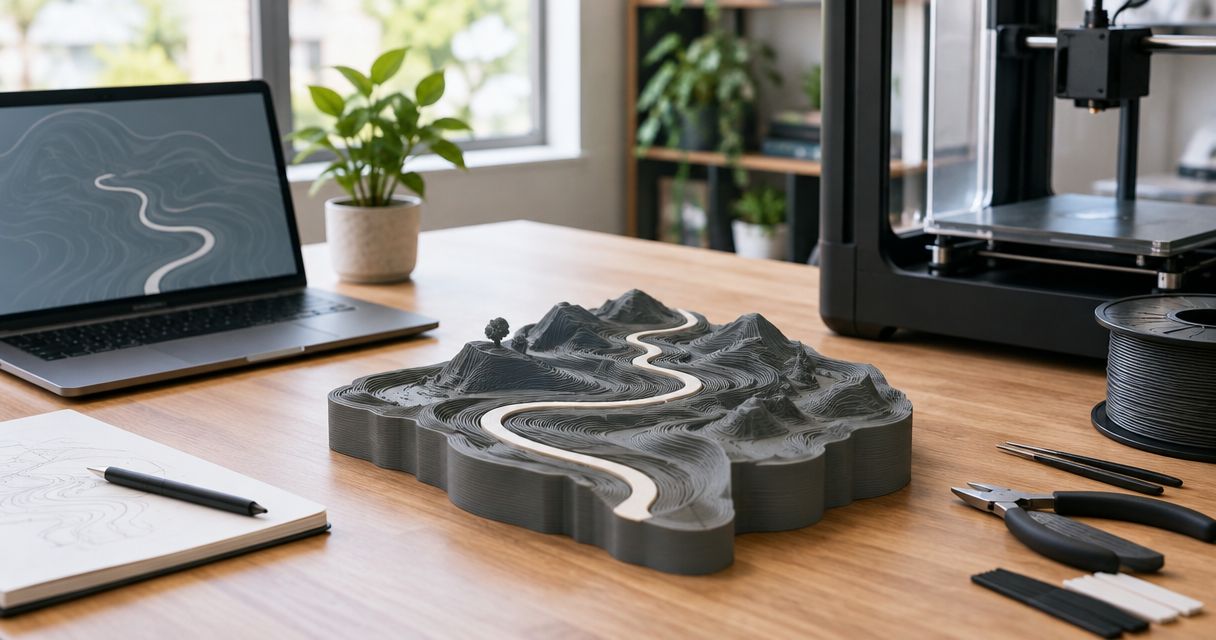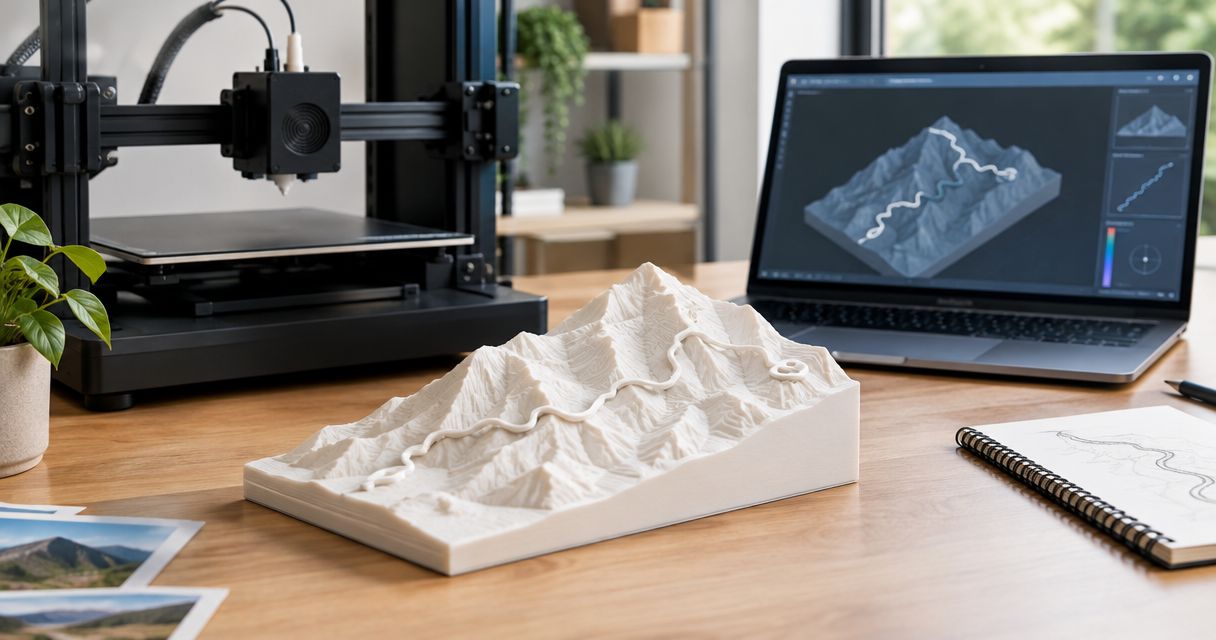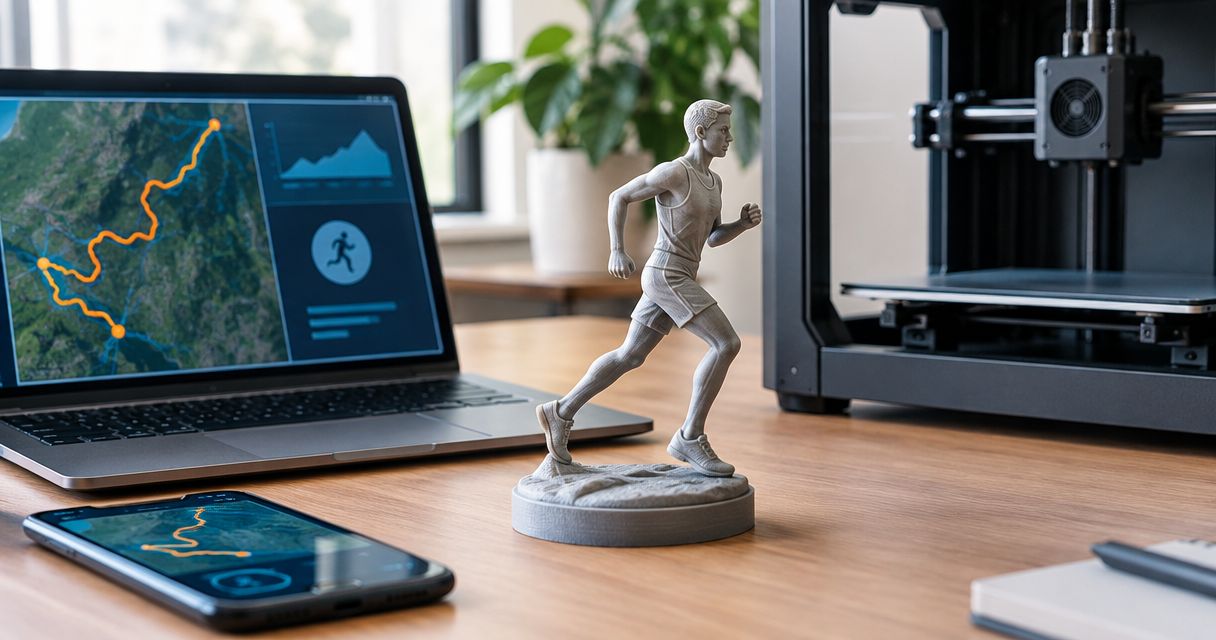
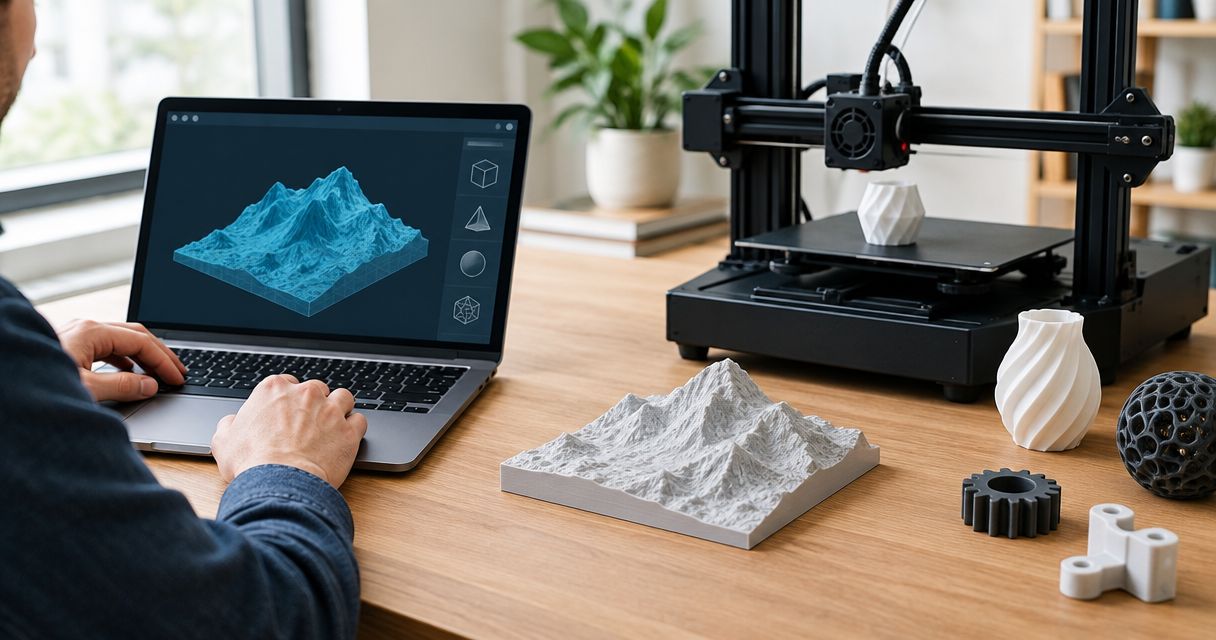
Yes, you can 3D print a GPX file after converting its route coordinates into a printable model; the GPX file itself is not printer-ready. A topographic sculpture also needs terrain elevation data, not just the recorded track. This 2026 guide explains how to prepare your route, choose a printing approach, and check the model before committing.
- Can you 3D print a GPX file? Yes—convert the GPS track into a printable model first.
- Printmyroutes suits runners and hikers who want custom topographic route sculptures from GPX uploads or Strava.
- A route outline needs track coordinates; a topographic sculpture also needs surrounding terrain data.
- Check GPS errors, route completeness, and terrain framing before printing a milestone keepsake.
Can you 3D print a GPX file?
Yes, but conversion comes before printing. A GPX file describes geographic information. A printable model describes a physical object, including its surfaces and thickness.
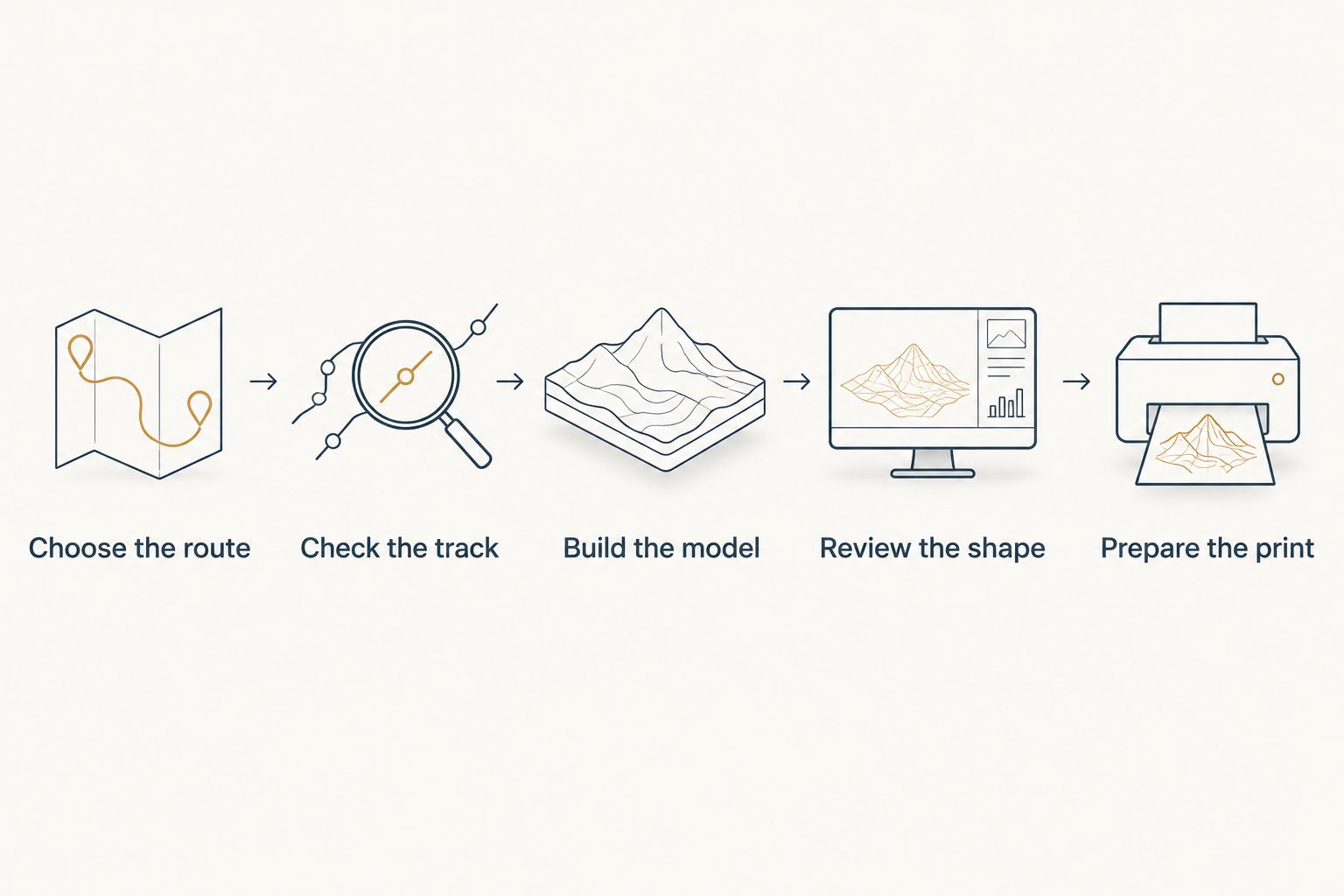
The route-to-print workflow has five stages:
- Choose the route. Select the activity or course you want to preserve.
- Check the track. Inspect the GPX for missing sections, recording errors, and unwanted extensions.
- Build the model. Convert the route into geometry and add terrain if you want a topographic sculpture.
- Review the shape. Check the route placement, terrain boundaries, and physical readability.
- Prepare the print. Use slicing software to create instructions for a compatible printer, or order a finished sculpture.
For a finished keepsake rather than a home-printing project, Printmyroutes sells custom 3D-printed topographic route sculptures made from GPX uploads or Strava data. You still need to choose the correct route; a physical model cannot correct an activity file that records the wrong journey.
Why this matters
A route sculpture preserves a specific experience: your marathon finish, summit hike, long ride, or ski tour. The important choice is not simply whether the file opens. It is whether the finished object represents the experience you want to remember.
For a 2026 race keepsake, distinguish the published course from your recorded activity. The published course represents the event route; your recording represents the path your device captured, including any detours or GPS errors.
Choose the story first, then choose the file. That decision determines what you should keep, trim, or replace before conversion.
What does a GPX file contain?
GPX is an XML-based format for exchanging GPS information. It can contain tracks, routes, and waypoints, with geographic positions expressed through latitude and longitude. Elevation and timestamps can also appear, but they are not guaranteed in every file.
A recorded track usually contains a sequence of points describing where you traveled. That sequence can become the route line on a sculpture, but it does not describe the surrounding hills, valleys, or mountain faces.
Keep these distinctions clear:
- Track coordinates locate the path on the map.
- Recorded elevation describes heights associated with points along that path, when included.
- Terrain elevation data describes the surrounding land surface.
- Printable geometry gives the resulting object surfaces and physical thickness.
Changing a filename from .gpx to .stl does not perform a conversion. The contents remain GPS data, not a printable mesh.
Should you print it yourself or order a finished sculpture?
Print it yourself if you want control over modeling and fabrication. Order a finished sculpture if the keepsake matters more than the printing project. Neither approach removes the need to inspect the source route.
| Approach | Best for | Main advantage | Main limitation |
|---|---|---|---|
| DIY route model and printing | Makers who want to edit and print the object themselves | Control over geometry, orientation, and printer settings | Requires modeling, slicing, and printer troubleshooting |
| Commissioned route sculpture | Gift buyers and finishers who want a physical keepsake | Removes the need to operate a printer yourself | Requires careful communication of the intended route and design |
Printmyroutes is best for runners and hikers who want a custom topographic route sculpture from their GPS data. Its GPX-upload and Strava inputs fit that use case; they are not a substitute for checking whether the selected activity is complete and correct.
For a 2026 gift, choose the approach before spending time on file conversion. A seller that accepts GPX data needs different preparation from a home printer that needs a finished model and sliced instructions.
Route outline or topographic sculpture: which should you choose?
A route outline emphasizes the shape of the journey. A topographic sculpture adds the surrounding terrain, making climbs, ridgelines, and valleys part of the object.
Neither format tells every part of the story. Choose according to what made the activity meaningful.
| Format | Best for | What it emphasizes | What it leaves out or complicates |
|---|---|---|---|
| Route outline | A recognizable course shape | The path, turns, loops, and overall silhouette | Surrounding terrain unless added separately |
| Topographic route sculpture | A summit, mountain race, or terrain-focused adventure | The route in its landscape | Requires terrain data and decisions about framing and vertical scale |
For a city race, the course shape can carry the memory without prominent relief. For a mountain hike, the relationship between the route and the summit can be the main reason to choose topography.
Do not choose more terrain simply because it looks more detailed. A wider landscape can make the route harder to distinguish. A tighter crop can remove the ridge or valley that explains the effort.
How do you prepare a GPX file for printing?
Start with an untouched copy of the original file. Make edits to a duplicate so you can return to the recording if a cleanup step removes something important.
Select the intended activity
Open the file in a mapping viewer and identify the start, finish, and full route. Check that you exported the actual activity rather than a planned course with a similar name.
For a 2026 finisher gift, confirm the event edition as well as the event name. If you want to commemorate the athlete's own effort, use that athlete's recording with permission rather than assuming a public course is equivalent.
Inspect the entire track
Follow the line from start to finish. Look for straight jumps across terrain, isolated points far from the route, missing sections, or a track that ends before the finish.
Inspect overlapping sections closely. An out-and-back route should retrace its path; that is not an error to remove. A recording gap, by contrast, can create a straight connection that the athlete never traveled.
Trim only what does not belong
Decide whether the warm-up, walk to the start, cooldown, or journey home belongs in the keepsake. Remove those sections only when they distract from the intended route.
Keep meaningful detours if they are part of the story. The goal is an accurate representation of the chosen experience, not an artificially tidy line.
Check the export
After editing, reopen the exported file and inspect it again. Confirm that the start and finish remain correct and that separate track segments have not been joined inappropriately.
Approve the exported track, not just the editing screen. The exported file is what the next stage receives.
What needs checking in the printable model?
A correct GPX file can still produce an unclear model. Conversion introduces decisions about scale, terrain coverage, line thickness, and the relationship between the route and its base.
For DIY printing, inspect the model in both the modeling software and the slicer. For an ordered sculpture, inspect any available preview and confirm the design details before approving them.
Use this checklist:
- Route continuity: The intended path remains visible without unexplained breaks.
- Terrain framing: The crop includes the landscape features that matter to the activity.
- Route visibility: The track remains distinguishable where it doubles back or crosses itself.
- Physical connections: Raised elements connect to the model rather than floating as unsupported pieces.
- Base geometry: The model has a suitable foundation for its intended printing and display orientation.
- Personalization: Any available name, event, date, or finish detail matches the intended keepsake.
A route on a mountain surface is not automatically readable from every angle. Review the object from its intended display position, not only from directly overhead.
Why does the conversion result vary?
The same route can produce different-looking objects because the model needs choices that a GPS recording does not specify. These factors affect the result:
- Track quality: GPS jumps and missing points change the path used to build the model.
- Route complexity: Tight switchbacks, repeated laps, and overlapping paths affect legibility at a reduced scale.
- Terrain source: The terrain dataset determines the land surface available for modeling.
- Map boundaries: A close crop emphasizes the route; a wider crop adds landscape context.
- Vertical scaling: Increasing relief changes how strongly the landscape appears, rather than reproducing uniform scale in every direction.
- Printing method and material: The fabrication process affects which small features can be reproduced successfully.
Avoid treating the most dramatic relief as the most accurate representation. If horizontal and vertical scales differ, the model exaggerates elevation relative to distance. That can help show terrain, but it changes the proportions.
Do you need your own 3D printer?
No, you do not need your own printer to order a finished GPX-based sculpture. You need the intended route and a seller that accepts it in a supported form.
Owning a printer makes sense when you want the fabrication work itself: adjusting geometry, selecting print settings, inspecting layers, and revising failed or unclear features. For a one-off milestone gift, those tasks are separate from choosing a meaningful route.
Printmyroutes route sculptures use GPX uploads or Strava data. Prepare the route first, then choose the ordering path that matches your source data.
Turn your route into a keepsake
Use GPX or Strava data to start a custom topographic route sculpture.
Can you print a route without recorded elevation?
Yes, a route without recorded elevation can still supply the geographic path for a model. A topographic version needs surrounding terrain elevation from another source.
Missing elevation and missing coordinates are different problems. Terrain data can provide landscape heights, but it does not establish where you traveled when part of the recorded path is absent.
Can you use someone else's GPX file for a gift?
Yes, if you have permission to use the file and it represents the route you intend to commemorate. Check whether it contains private locations before sharing it with a printing service.
A recording that starts at home can reveal more than the race or trail. Trim private approach and departure sections when they are not part of the keepsake, while preserving the meaningful activity.
FAQ
Can I send a GPX file straight to a 3D printer?
No. A GPX file needs conversion into printable geometry, followed by preparation for the specific printer. Renaming the file does not convert its contents.
Do I need an STL file to order a route sculpture?
Not when the seller accepts GPX data directly. Printmyroutes accepts GPX uploads or Strava data for custom topographic route sculptures.
Does a GPX file include the mountains around my route?
No. A GPX track describes the path and can include elevation along it, but it does not contain a complete surrounding terrain surface. A topographic model needs terrain data as well.
Can I print a marathon route instead of a mountain trail?
Yes. A marathon route can become a physical route model, just as a hiking or cycling track can. Choose whether the course outline or its surrounding terrain matters most to the keepsake.
Should I use my race recording or the official course?
Use your recording to commemorate the path your device captured; use the official course to represent the published event route. Inspect either file before conversion.
Will a GPS mistake appear in the sculpture?
A GPS mistake can carry through when incorrect coordinates become model geometry. Review jumps, gaps, and unwanted extensions before building or ordering the model.
Can a planned route become a sculpture before I complete it?
Yes. A planned route can supply geographic data for a model, but it represents an intended journey rather than proof of a completed activity. Label the keepsake accordingly.
One last thing
An out-and-back route can hide part of the achievement: the return journey occupies the same geographic line. The sculpture shows where you went, but the line alone does not explain that you covered it in both directions.
For a 2026 milestone keepsake, check whether the display needs accompanying context, such as the activity name or a written gift note. A recognizable route and an accurate story matter more than extra visual detail.