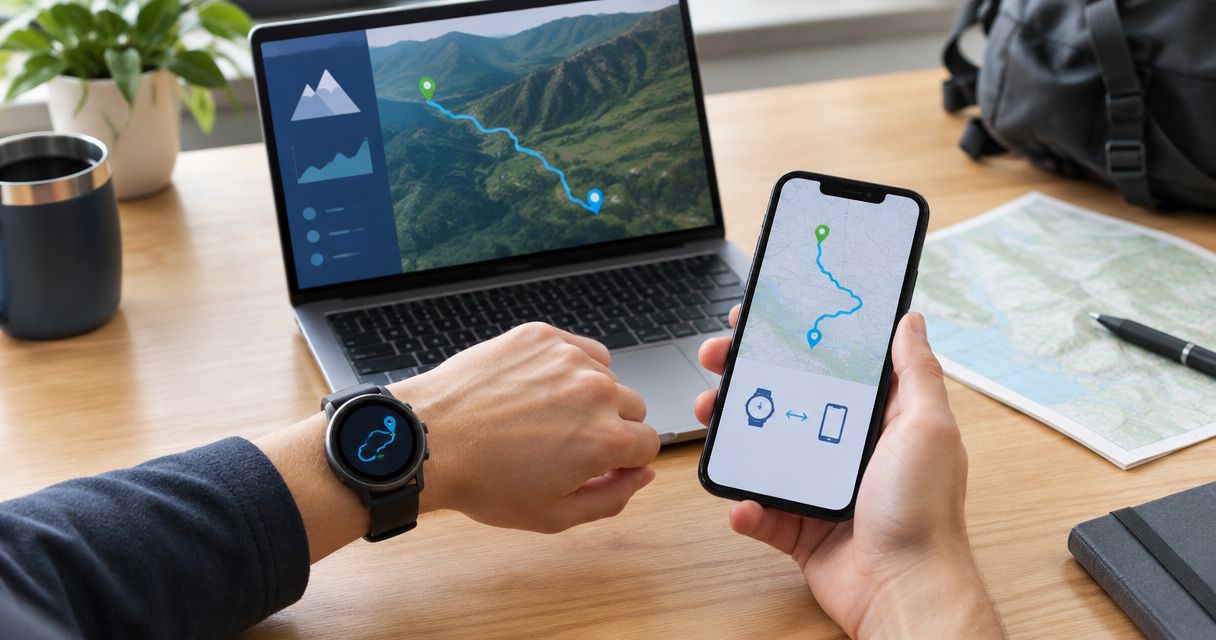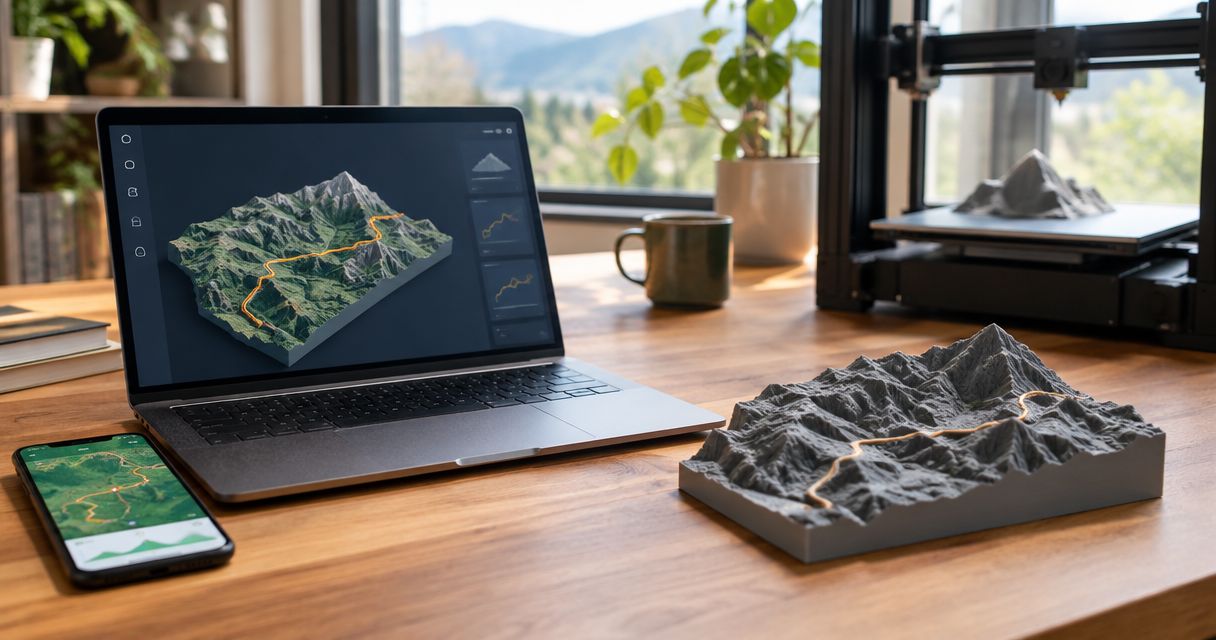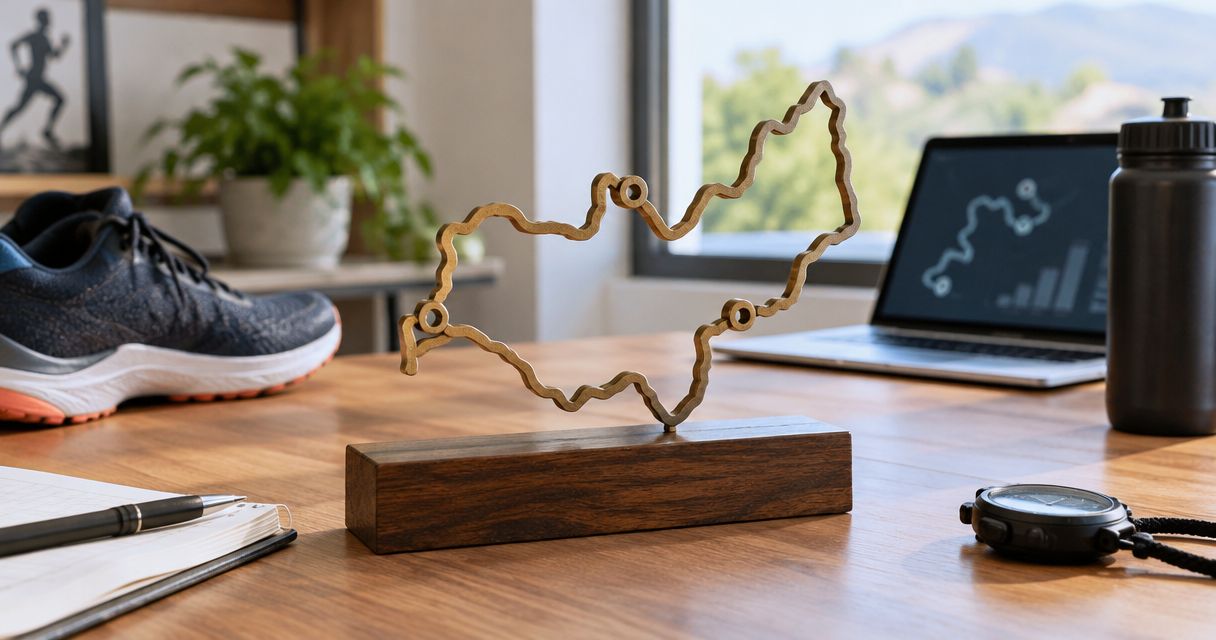
Instead of tracing a Strava activity by hand, export its GPX file and use that route to order a custom topographic keepsake. This 2026 Strava to 3D printed sculpture workflow covers file preparation, route checks, personalization decisions, and the handoff to Printmyroutes.
- Printmyroutes is best for finishers who want a custom topographic route sculpture made from their GPS data.
- For a Strava to 3D printed sculpture workflow, verify the activity before exporting its GPX file.
- Use a personal recording for the athlete’s actual route; use an official course file for the planned course.
- Confirm route accuracy, terrain presentation, and personalization before approving a sculpture.
Why this matters
A route sculpture commemorates a specific effort: the marathon you finished, the summit you reached, or the ride you want to remember. The source file determines which journey the sculpture represents. A recognizable course is not necessarily the athlete’s recorded course.
Printmyroutes is best for finishers who want a custom topographic route sculpture made from their GPS data. The benefit is a physical keepsake tied to a real activity. The limitation is that an inaccurate or incomplete recording needs attention before it becomes the basis of a sculpture.
For a 2026 race keepsake, settle one question first: are you preserving the athlete’s actual effort or the event’s intended course? Both are useful. They tell different stories.
Before you start
- Get access to the source activity. Open the relevant Strava activity through an account permitted to access it. For a gift, ask the athlete for the exported GPX file rather than requesting their password.
- Gather the personalization details. Have the event or trail name, athlete’s preferred name, and any date or result you want to request. Check which personalization choices are supported before making them part of the design.
- Check the hidden gotcha: a visible map is not a usable route file. A screenshot preserves appearance, not GPS track data. An indoor activity without a recorded route cannot supply an outdoor track merely because it appears in Strava.
Use a desktop browser for the export instructions below. Keep the original GPX unchanged and make a separate working copy if you edit the track. That gives you a way back if a cleanup removes part of the effort you meant to preserve.
Source activity selection
Choose what the sculpture should commemorate
- Open the specific activity. Check the sport, activity date, and map. Do not select a training run just because its title resembles the race name.
- Inspect both endpoints. Confirm the start and finish belong to the intended effort. Look for recording that began at the hotel or continued after the finish line.
- Follow the full track. Check the major turns, summit approach, turnaround, and return leg. Look for missing sections and straight lines across terrain you did not cross.
- Decide what stays. Separate meaningful route details from recording mistakes. A wrong turn during an ultra is part of the actual effort; a GPS jump is not.
Expected result: You have 1 activity selected and a clear description of what its sculpture should represent.
Do not automatically replace a messy personal recording with a cleaner event file. That changes the subject from the athlete’s journey to the planned course. If you make that substitution, keep the description honest.
Compare the two source options
| Route source | Best for | Advantage | Limitation |
|---|---|---|---|
| Personal Strava activity exported as GPX | An individual finisher’s keepsake | Represents the recorded effort, including meaningful deviations | Requires checks for recording gaps, GPS jumps, and extra tracking |
| Organizer-provided course GPX | A course-based gift or race-director award | Gives the project a defined event-course reference | Does not prove the recipient followed or completed that exact track |
Choose the personal activity for a personal achievement. Choose the organizer’s course for a course-based award. Neither source is automatically correct for every project.
GPX export and file checks
Export the activity from Strava
- Open the activity on the Strava website. Use the activity detail page rather than a feed preview or screenshot.
- Open the three-dot menu. Select Export GPX to download the route file. These instructions concern an activity export, not a screenshot or a planned-route image.
- Save the original file. Give it a descriptive filename that identifies the effort. Keep the
.gpxextension intact. - Verify the downloaded track. Open it in a GPX-capable map viewer and compare its outline with the Strava activity. Confirm the start, finish, and distinctive course features.
Expected result: You have a GPX file containing the intended route, not just an image or a shared activity address.
For a 2026 gift, keep the event name and activity date with the file. A folder full of similarly named exports makes it easy to submit a previous training effort by mistake.
A GPX file is route data, not a print-ready sculpture. It records geographic information. Turning that information into a physical topographic model also requires decisions about the surrounding terrain, route presentation, and final object.
Make three checks before handoff
- Route check: Does the track follow the intended run, hike, ride, or ski outing?
- Privacy check: Does the file include a home address, private access road, or another location that should not be reproduced or shared?
- Identity check: Does the filename match the athlete, event, and effort in your ordering notes?
Strava map privacy and the contents of an exported file are separate things to inspect. Check the actual GPX before sending it onward. Do not assume the file contains exactly what another person sees on a shared activity map.
Sculpture brief and design review
Prepare the handoff
- Choose the input method. Printmyroutes accepts GPX uploads or Strava as sources for custom route sculptures. Use the current ordering instructions for the method you choose; the GPX export provides a file-based route through this workflow.
- State the purpose. Identify whether the sculpture is a personal finisher keepsake, a gift, a summit memento, or a race-director award. This prevents a personal commission from being treated as a generic course representation.
- Describe the route boundaries. Specify whether you want the entire recorded activity or a clearly identified portion. Ask what adjustments are supported rather than assuming the file will be edited automatically.
- Request supported personalization. Supply exact spelling for any requested names, event wording, dates, or results. Confirm the supported choices before relying on a particular inscription or layout.
Expected result: The route file and written brief describe the same effort, with no ambiguity about the intended recipient or course.
Use this short sequence for the handoff: Select activity, Export GPX, Check track, Confirm design. Each stage answers a different question; exporting successfully does not establish that the sculpture design is ready.
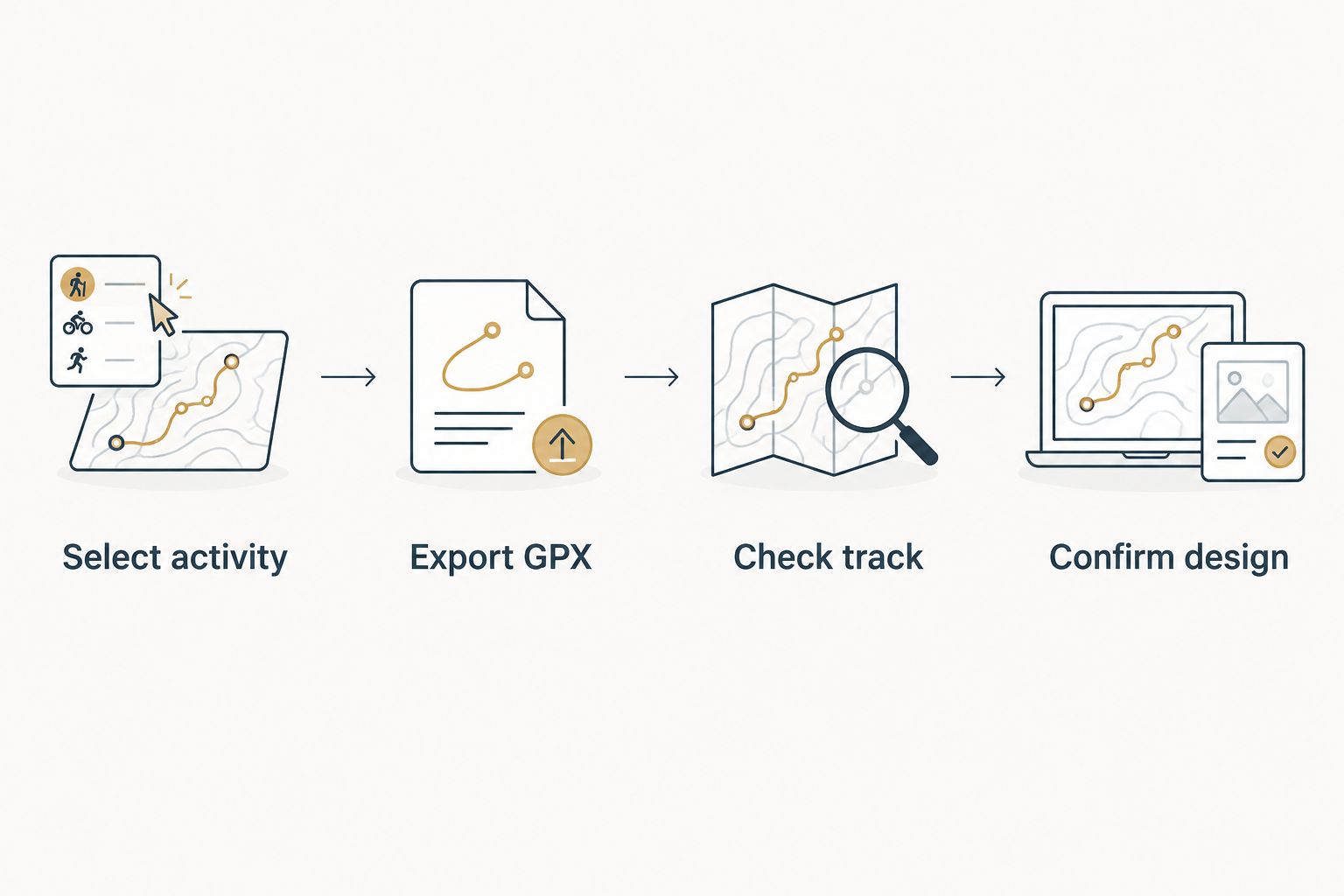
Review the design before approval
Ask how you can review the proposed design before committing to production. When reviewing a preview or proof, distinguish between the route line and the terrain beneath it. A correct track alone does not answer every design question.
Check these points:
- Course recognition: Are the defining bends, loops, climbs, and turnaround visible?
- Terrain context: Does the surrounding area show the landscape that matters to the recipient?
- Presentation: Ask whether the terrain uses vertical exaggeration and how the route will be distinguished from it.
- Personalization: Compare requested wording with your source notes, character by character.
For a 2026 marathon keepsake, prioritize the correct course and finisher details. For a mountain outing, also check that the summit and approach sit within the intended terrain area. Do not approve an attractive design that depicts the wrong effort.
A second workflow: commemorate a course without personal Strava data
You do not need the recipient’s Strava login to prepare a course-based gift. An organizer-provided GPX can serve as the source when the goal is to commemorate the event route rather than reproduce an individual recording.
- Find the correct organizer-provided file. Confirm the event edition and distance. For a 2026 event, use the 2026 course rather than assuming an older route is unchanged.
- Check the course outline. Verify the start, finish, major loops, and turnaround against the organizer’s route information.
- Label the project accurately. Describe it as the event course. Do not present it as the athlete’s personal GPS track.
- Follow the same design review. Confirm terrain coverage and supported personalization before approval.
Expected result: You have a course-based sculpture brief without accessing another person’s account or implying that the file records their performance.
This workflow also separates race-director buying from individual gift buying. A director commissioning custom finisher awards needs a defined course reference and consistent event wording. An individual buyer needs the correct recipient’s milestone. Keep those briefs separate.
Neither workflow automatically updates a physical sculpture when a Strava activity changes. Treat a corrected GPX as a new source version and confirm which file should govern the design.
Troubleshooting
Export GPX is missing
Open the full activity on the desktop Strava website and check the activity menu. Confirm you have access to the intended activity and that it contains a recorded outdoor route. If you are buying a gift, ask the athlete to export their own file instead of trying to work around access restrictions.
The track contains a long straight jump
Compare the suspect section with the original recording and known course. A straight connection can bridge missing GPS points. Do not interpret that connection as the path actually traveled; obtain a better recording or ask about correcting the file before ordering.
The route includes travel before or after the effort
Identify where the intended effort starts and ends, then request a supported adjustment or prepare an edited copy with a GPX editor. Keep the original. Check both endpoints again after editing so that removing the walk back to the car does not remove the finish.
The mountain looks different from the activity’s elevation chart
An elevation chart plots altitude along the traveled path; a topographic sculpture depicts surrounding terrain. Compare geographic features rather than expecting the model’s outline to resemble the chart. Ask how terrain height is represented before approving the design.
Several files claim to be the final version
Choose one source file and identify it explicitly in the handoff. State which earlier file it replaces. A revised activity name alone does not identify whether the underlying track changed.
Customize your workflow
Build the brief around the milestone, not just the sport. For a first marathon, identify the event and finisher. For a summit, identify the mountain and actual approach. For a cyclist, decide whether the subject is the complete ride or a particular climb before preparing the source.
For repeat gifts or club projects, keep a simple record of the source filename, recipient spelling, requested wording, and approval decision. This is an organizational step, not an automatic Strava integration. It helps prevent one athlete’s route from being paired with another athlete’s details.
Complete the source checks before starting the order. A clean handoff to Printmyroutes includes the intended GPS route and a short, specific explanation of the keepsake you want.
Start your route sculpture
Use your checked Strava activity or GPX file to prepare a custom topographic keepsake.
FAQ
How do I turn a Strava activity into a 3D printed sculpture?
Select the activity, export its GPX file, verify the track, and use it as the source for a custom topographic sculpture. Confirm the route, terrain presentation, and supported personalization before approving the design.
Do I need a 3D printer to order a route sculpture?
No. Printmyroutes sells custom 3D-printed topographic route sculptures made from GPS data. You supply the route source rather than printing the object yourself.
Can I use a Strava screenshot instead of a GPX file?
A screenshot does not replace GPX route data. It shows a map image, while a GPX file contains geographic track information used to identify the route.
Can I make a route sculpture as a surprise gift?
Yes, you can prepare a course-based gift without accessing the recipient’s account. Use a verified organizer-provided GPX and describe it as the event course, not the athlete’s personal recording.
Is my recorded activity better than an official course GPX?
Your recorded activity is the better source when the keepsake should represent your actual effort. An official course GPX is better suited to representing the planned event route, including course-based finisher awards.
Will editing my Strava activity update the sculpture automatically?
No. A physical sculpture does not change when you edit a Strava activity. Before production, submit the corrected source and confirm that it replaces the earlier file.
What should I check before approving a route sculpture?
Check the intended route, terrain coverage, and requested personalization. Verify the start and finish, inspect distinctive course features, and confirm spelling against your original notes.
One last thing
An out-and-back route can overlap itself on a map. That does not mean the return journey is missing. Before requesting a correction, distinguish between the track’s visible footprint and the distance traveled along it. Preserve the effort’s meaning, not just a tidy outline.