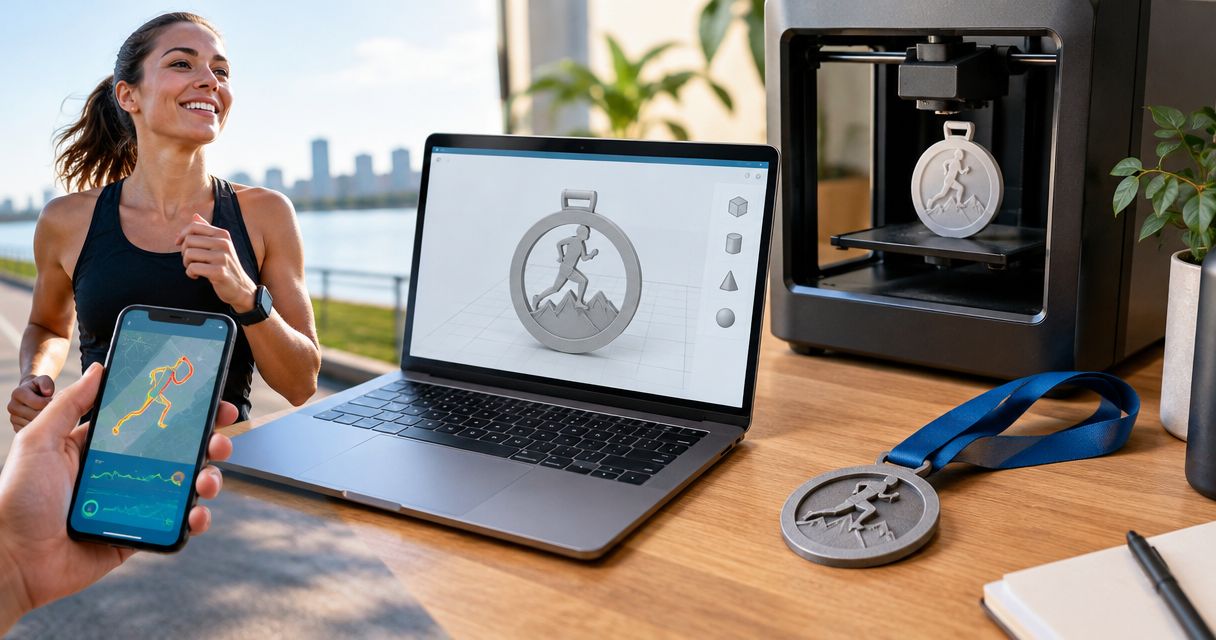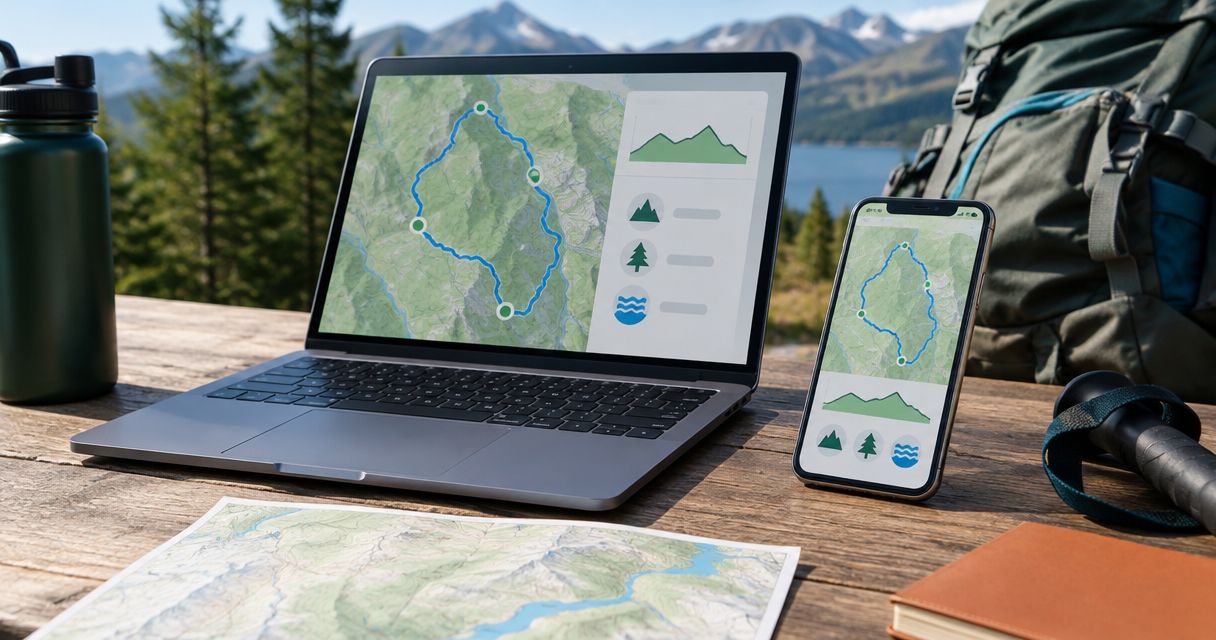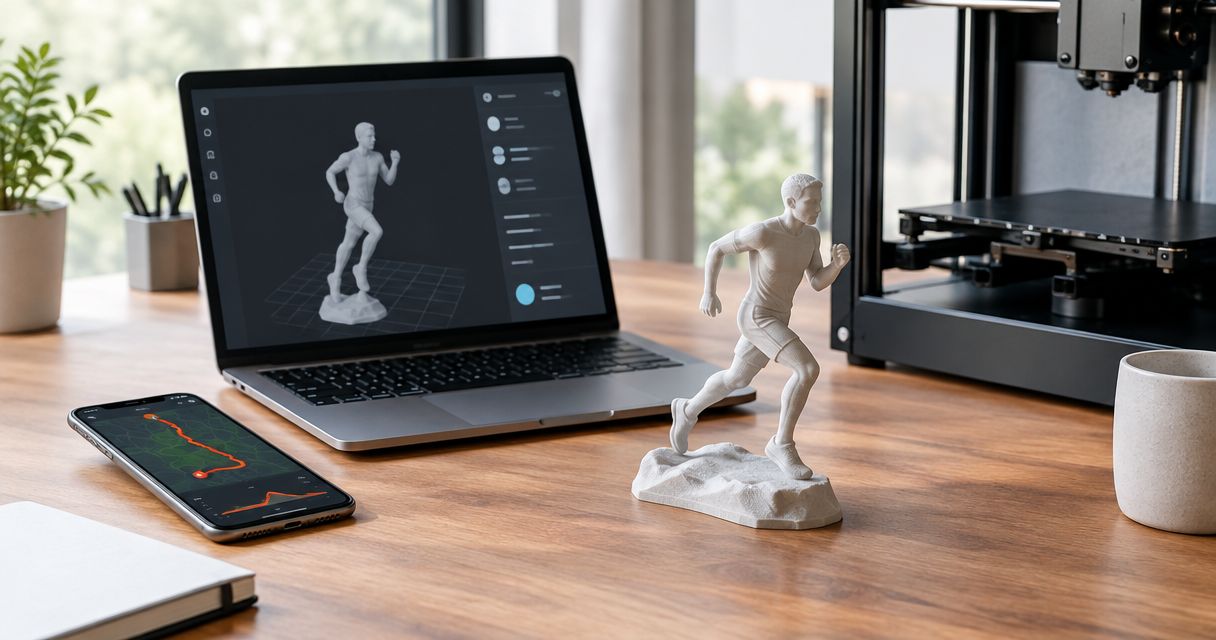
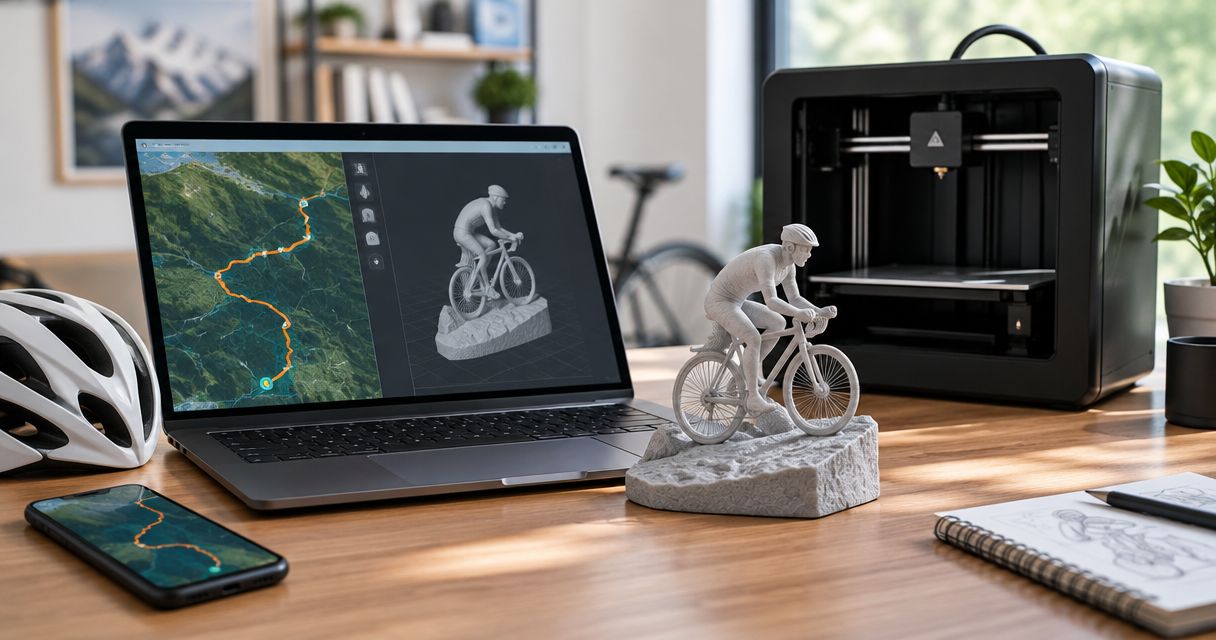
Instead of manually tracing a ride on a map, use the Ride with GPS to 3D printed sculpture workflow: export a GPX file, check the route, then submit it for a custom topographic keepsake. For a 2026 finish or cycling gift, choose the intended course or the rider’s actual recording before you start.
- The Ride with GPS to 3D printed sculpture workflow uses a GPX export, not a screenshot.
- Printmyroutes is best for cyclists who want a custom topographic sculpture made from their own GPX route.
- Use a planned course for the event route; use a recorded ride for the cyclist’s actual journey.
- Check endpoints, detours, terrain coverage, and personalization before approving a sculpture.
Why this matters
A planned route and a recorded ride tell different stories. The planned route represents the course you intended to follow. The recording represents where the device traveled, including wrong turns, diversions, and trips to the start.
Choose the story before choosing the file. A finisher keepsake should represent the achievement you want to remember, not whichever download is easiest to find.
Printmyroutes makes custom 3D-printed topographic sculptures from GPS route data, including GPX uploads or Strava. For Ride with GPS, use the GPX file handoff described here; this guide does not require a direct account connection.
The advantage is personal relevance: your route becomes the subject of the sculpture. The trade-off is preparation. You need to verify the route data and decide what belongs in the finished keepsake before ordering.
Before you start
- Account and file access: Have access to the Ride with GPS route or recorded ride you intend to export. Use a browser for the file handoff and keep the downloaded GPX somewhere you can find it again.
- A clear keepsake brief: Decide whose achievement you are commemorating, which route belongs on the sculpture, and which personalization details you want to request. Confirm the current choices during ordering rather than assuming every request is supported.
- The non-obvious gotcha: A shared route is not necessarily the rider’s recorded activity. Open the map and inspect the line before exporting, especially when the keepsake is a surprise gift.
Prepare 1 GPX file for the intended route as your working source. Keep any alternative versions separately so you do not accidentally submit a training ride instead of the event.
For a 2026 event, confirm that the file represents that event’s intended course or the participant’s actual ride. A familiar event name does not establish which route a file contains.
Route selection
Planned course or recorded ride?
Pick the source according to what the sculpture should commemorate. Neither source is automatically better; the distinction is whether the keepsake represents the course or the experience.
| Source | Best for | Advantage | Limitation |
|---|---|---|---|
| Planned route | Commemorating an intended event course or shared club route | Keeps the focus on the selected course | Does not establish where an individual actually rode |
| Recorded ride | Commemorating a cyclist’s completed journey | Preserves the path recorded during the ride | Can include detours, recording errors, and travel beyond the intended route |
- Open the candidate route or ride in Ride with GPS. Read its title, then inspect the map rather than relying on the title alone.
- Identify the start, finish, and defining feature: a summit approach, mountain pass, gravel loop, or event circuit. Confirm that each belongs to the intended achievement.
- Compare any competing files. Choose the planned course when course identity matters most; choose the recorded ride when the participant’s actual journey matters most.
- Write a short brief alongside the selected file. State what the sculpture should represent and identify any segment you do not want included.
Expected result: You have a selected source and a clear reason for using it. You can explain what the sculpture commemorates without referring to an ambiguous filename.
For a gift, ask a practical question before asking for data: does the recipient care most about finishing the event, reaching the summit, or completing their particular ride? That answer determines which line belongs on the map.
GPX export and file checks
Export the route geometry
A GPX file carries geographic route information. A screenshot shows a picture of the map; it does not provide the same route data for this workflow.
- Open the selected item on the Ride with GPS website and locate its export controls. Use the controls for that route or ride, not a browser command that saves the webpage.
- Select GPX as the export format. The surrounding controls depend on the page you are using; the required output here is a file with the
.gpxextension. - Save the download in a dedicated folder. Use a descriptive filename that distinguishes the event course from any recorded activity.
- Open the exported GPX in a map viewer that supports the format. Compare the visible line with the source map before submitting it.
Expected result: You have a downloaded GPX file whose route matches the source you selected. It is not a webpage, image, or link to an activity.
Do not rename a different file format to .gpx. Changing an extension does not convert the contents. Return to the source and export the correct format instead.
For your 2026 order, keep the original download unchanged and make a separate working copy if edits are necessary. That gives you a reference if a later version loses a segment or changes the intended route.
Check the endpoints and route shape
Inspect 2 endpoints: the start and finish. Then follow the line between them, paying particular attention to places where the rider stopped, turned around, or lost a clear recording.
- Check whether the route includes travel from home, a hotel, or a parking area.
- Look for isolated spikes, straight-line jumps, and repeated segments that do not belong to the intended keepsake.
- Confirm that a loop closes where you expect, or that a point-to-point ride finishes at the correct destination.
- Distinguish a real detour from a recording error before removing anything.
A clean-looking outline is not enough. The route must still mean the right thing. Removing an intentional out-and-back climb would make the line tidier while making the keepsake less accurate.
Sculpture submission and review
Prepare the sculpture brief
The GPX supplies the route. Your brief explains the occasion and the details that need attention.
- Start the custom route sculpture ordering process and use the GPX upload route. Submit the checked file rather than a screenshot or a Ride with GPS page link.
- Explain the subject in plain language: a completed gravel event, a first mountain pass, a club challenge, or a summit ride.
- Request any desired personalization using the choices presented during ordering. Verify spelling, event wording, and the intended date before continuing.
- Review the proposed representation before approving production. If the available ordering information does not answer a material question about the route, resolve it before approval.
Expected result: The submitted file and written brief describe the same achievement. Nothing depends on the maker guessing which ride, segment, or milestone you meant.
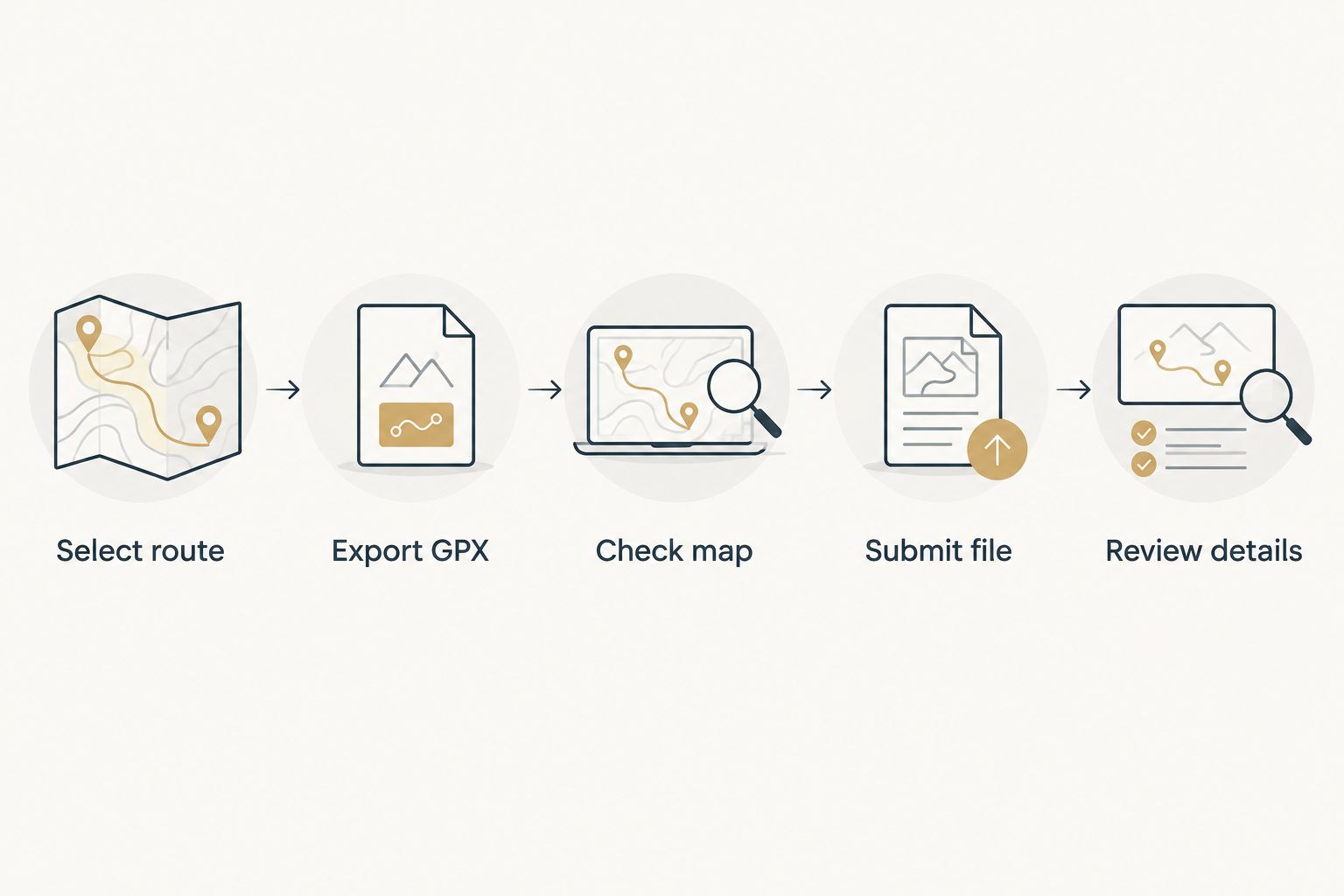
Use a simple sequence for the handoff: Select route, Export GPX, Check map, Submit file, and Review details. Each stage catches a different kind of mistake; skipping file inspection moves those mistakes into the order.
Review the route and terrain separately
A route line and the surrounding topography serve different purposes. The line identifies the journey. The terrain provides its geographic setting.
Make 3 review passes before approval:
- Route accuracy: Check the start, finish, major turns, and defining climb. Confirm that the representation includes the intended journey rather than an alternative course.
- Terrain framing: Check whether the surrounding land helps explain the ride. A mountain pass needs enough geographic context to make the crossing understandable; unrelated terrain should not distract from the route.
- Personal details: Check every requested name, event reference, and date against your original brief. For a 2026 finisher keepsake, distinguish the event date from the date you place the order.
Expected result: You can identify the achievement from the route and confirm the requested details without relying on memory.
Do not judge route accuracy by apparent vertical height alone. Review the path and the terrain presentation as separate questions, and ask for clarification about any representation you do not understand.
Variant: use the completed ride instead of the planned course
The adjacent workflow is to prepare a keepsake around the course before an event, then use the participant’s actual recording after the finish. This changes the source file, not the need for inspection.
- Keep the planned course as your reference until the event is complete.
- Obtain the rider’s recorded activity with permission and inspect the full route.
- Decide whether meaningful diversions belong in the keepsake. Preserve an intentional extra climb; flag an unrelated trip back to accommodation.
- Export and check the replacement GPX, then submit it before approving production.
Treat every changed GPX as a new submission, not an automatic update. Do not assume that changing a Ride with GPS route changes a previously uploaded file or an order already in progress.
For a shared club ride, decide whether everyone should receive the common course or an individual recording. The custom route sculptures for cycling clubs guide addresses that group-buying context. A race director choosing event awards needs a separate brief from a cyclist buying a personal keepsake.
Troubleshooting
The download is not a GPX file
Return to the route’s export controls and select GPX output. A saved webpage or map image is not interchangeable with geographic route data.
Check the actual file extension rather than the display name alone. Do not solve the problem by renaming the file.
The route includes travel outside the event
Compare the recording with the intended start and finish. Decide whether the extra travel is part of the story or an accidental inclusion.
Use an appropriate route-editing tool to prepare a corrected copy if needed. Reopen that copy on a map and inspect the joins before submitting it.
The map contains a long straight jump
Compare the suspect segment with the source recording and the known route. A line connecting distant points does not establish that the rider traveled along that straight path.
Use a verified course file when the goal is to commemorate the course. If the actual recording matters, resolve the questionable segment before submitting the file.
The export control is unavailable
Confirm that you can access the original route or ride, rather than only a screenshot or shared preview. Use the website and inspect the item’s available controls.
If you cannot obtain the file, ask the route owner or rider for a GPX export. Do not request account credentials for a gift order.
The representation shows the wrong route
Compare the submitted filename, source map, and order brief. Similar filenames can conceal different courses or recordings.
Stop approval until the intended file is confirmed. Correcting wording does not correct the underlying route geometry.
Customize your workflow
Keep a small project folder containing the original GPX, any corrected copy, and the final personalization brief. Give the files distinct names so a later revision does not replace your only reference.
For a surprise gift, separate route collection from personalization. You can obtain the correct GPX first, then confirm the recipient’s name and achievement wording without asking someone else to interpret the map.
For a 2026 cycling season keepsake, choose a ride with a clear milestone rather than automatically selecting the longest recording. The most useful brief explains why this route matters: a first summit, a completed challenge, or a ride shared with someone important.
Printmyroutes route sculptures suit that milestone-focused brief. The limitation remains the same: the sculpture starts with the route you provide, so file selection deserves as much attention as the gift message.
FAQ
How do I turn a Ride with GPS route into a 3D printed sculpture?
Export the intended route as a GPX file, inspect it on a map, and submit it through the custom sculpture ordering process. Review the route representation and requested personalization before approving production.
Do I need a direct Ride with GPS integration?
No, the workflow described here uses a GPX file handoff. Export the file from Ride with GPS and submit that file rather than assuming the accounts connect or synchronize.
Should I use a planned route or my recorded ride?
Use a planned route to commemorate the intended course and a recorded ride to commemorate your actual journey. Inspect recorded activities for detours, recording errors, and travel outside the event.
Can I use a screenshot instead of a GPX file?
A screenshot is not a substitute for the GPX file in this workflow. It shows the map visually but does not supply the same geographic route data.
Can I order a route sculpture as a surprise cycling gift?
Yes, prepare the gift around a verified route file and an accurate description of the achievement. Ask the rider or someone with permission to share the GPX; do not request account credentials.
Will editing my Ride with GPS route update my sculpture order?
Do not assume a route edit updates an uploaded file or an existing order. Export the revised GPX, check it, and confirm any replacement before approving production.
What should I check before approving a route sculpture?
Check the route, terrain framing, and requested personal details separately. Verify the endpoints, defining climb, spelling, event reference, and intended date against your original brief.
One last thing
The most important segment is not always the longest one. A short summit approach or final turn can identify the achievement more clearly than a long stretch of connecting road.
Before submitting the GPX, write down the feature that makes the ride recognizable. Use that note during review so the finished keepsake represents the milestone, not merely a line on a map.