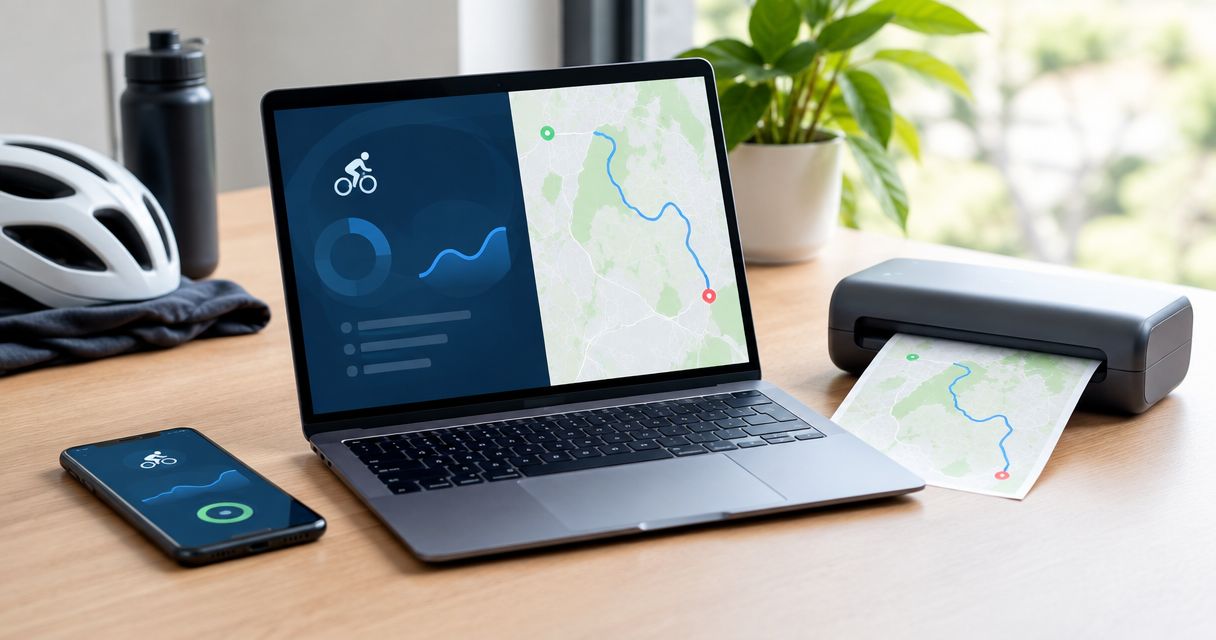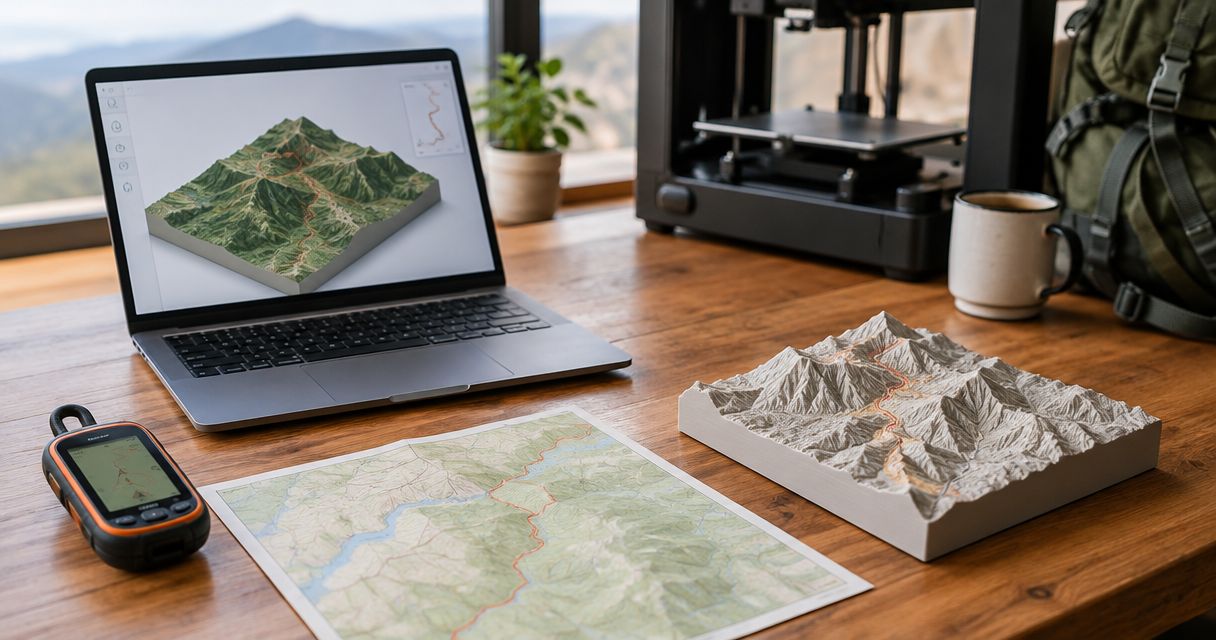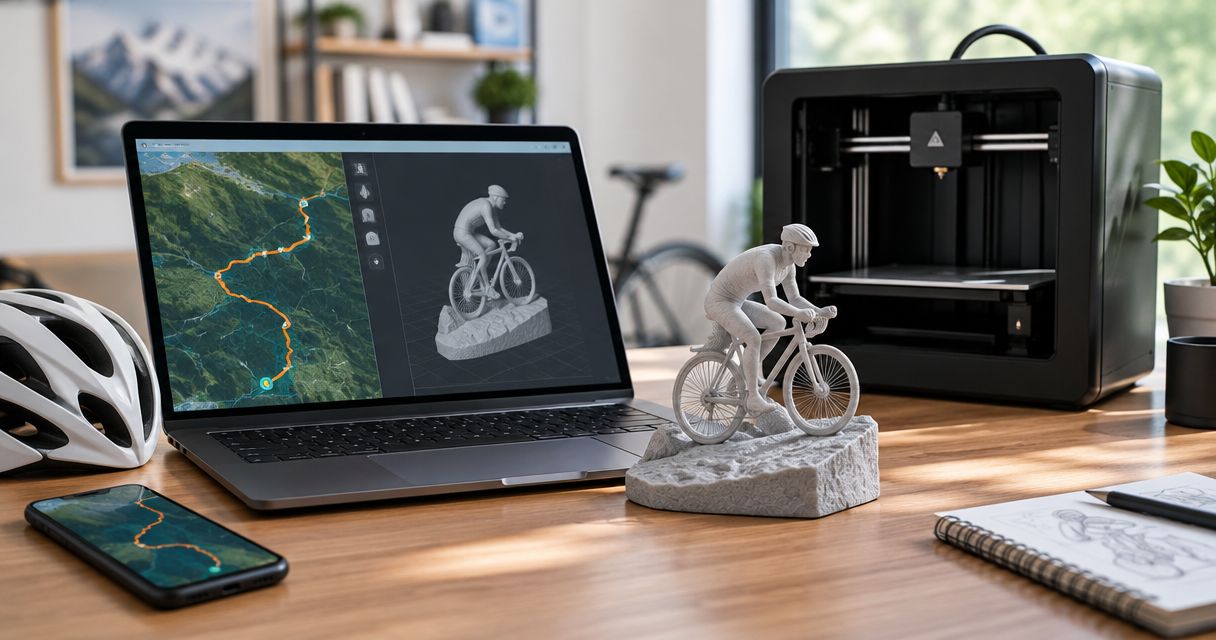
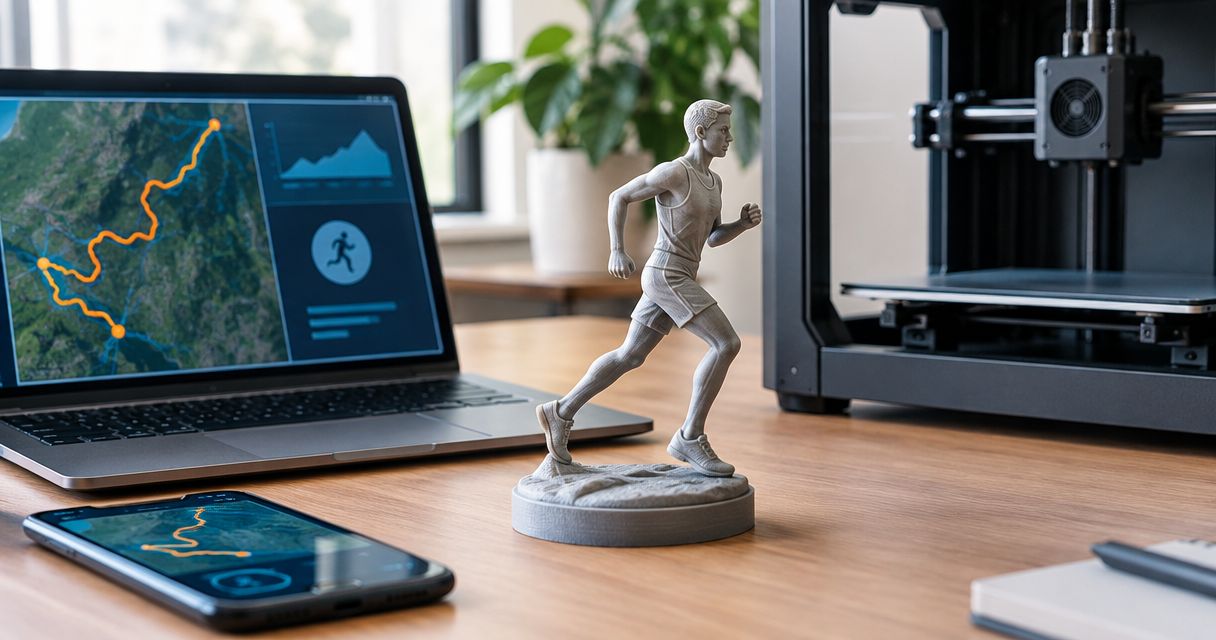
Instead of manually preparing a printable terrain model from your race recording, upload your GPX to Print My Routes to order a custom finisher sculpture. Check the route and personalization before ordering: a GPX upload supplies route data, but it is not permission to automatically print every future activity.
- Print My Routes turns GPX route data into custom topographic sculptures for runners and other outdoor athletes.
- The upload race GPX file order finisher sculpture workflow starts with checking the correct race recording.
- Choose your recorded activity for a personal keepsake; choose the official course when the course itself matters.
- Review route completeness and personalization before ordering; do not assume uploads trigger automatic production.
Why this matters
Print My Routes is best for finishers who want a custom topographic sculpture made from their race route. The route is the foundation of the keepsake. A misspelled name is easy to spot; a missing section halfway around an ultra course takes closer inspection.
Start with Print My Routes when you have the route you want to commemorate. For a 2026 finisher gift, distinguish the race date from the order date before preparing any personalization.
A GPX file describes geographic data. It is not a finished sculpture design, and uploading it does not establish a recurring connection between your activity account and future orders. Keep route selection, design review, and ordering as separate decisions.
Before you start
- Prepare the source. Have the race GPX file saved somewhere you can access from the device you will use to order. If you choose the Strava route instead, have access to the account containing the relevant activity.
- Prepare the details. Confirm the recipient’s name, event name, race date, and any finish information you want to include. Use the personalization choices presented during ordering rather than assuming every detail has a dedicated field.
- Check the non-obvious gotcha. An official course file and your recorded activity are not interchangeable. The official file represents the planned course; your activity can include a warm-up, a wrong turn, a recording gap, or a walk after the finish.
For a surprise gift, obtain the route with the athlete’s permission. You do not need access to someone else’s whole training history to identify the race recording they want commemorated.
Route source selection
Choose the route you mean to preserve
- Identify the milestone. Decide whether the sculpture should commemorate the event’s course or the athlete’s actual recorded journey. Make that decision before choosing a file.
- Locate the correct activity or course. Match the event, date, location, and course version. A familiar event name alone does not confirm that the route is correct.
- Inspect the route. Check 2 endpoints: the start and the finish. Then inspect 3 checkpoints you recognize, such as a summit, turnaround, and major junction.
- Save one clearly identified source. Use a descriptive local filename containing the event and date. For a 2026 race, include 2026 so you do not confuse it with another edition.
Expected result: You have 1 GPX file that represents the specific race or activity you want turned into a keepsake.
Compare the source options
The right source depends on what the sculpture should mean. Choose the route first, then decide how to provide it.
| Source | Best for | Advantage | Limitation |
|---|---|---|---|
| Recorded race GPX | A personal finisher keepsake | Preserves the athlete’s recorded route | Can contain recording errors or extra movement |
| Official course GPX | Commemorating the planned race course | Represents the published course rather than one recording | Does not show an individual athlete’s deviations |
| Strava activity | An athlete whose race recording is already in Strava | Provides another supported way to supply route data | Requires identifying the right activity and managing account access |
Choose a recorded race GPX for the athlete’s journey; choose an official course GPX for the event’s course. Neither source fixes an incorrect event edition or a missing section by itself.
For a race-director order, settle the course version before preparing individual recipient details. A course sculpture used as a finisher award has a different approval task from a personal gift: the route needs to represent the event consistently.
GPX upload and route review
Supply the checked file
- Open the ordering experience. Choose the GPX upload route rather than the Strava connection when your checked file is already saved locally.
- Select the saved GPX. Use the device’s file picker to locate the file you inspected. A screenshot of a route is not a substitute for geographic route data.
- Check the selected filename. Confirm that you chose the race file, not a training run with a similar name. Keep the original file unchanged as your reference copy.
- Review the route information shown. If the ordering experience displays a route preview, compare it with the source recording. If it does not, resolve any uncertainty about the route before placing the order.
Expected result: The selected upload matches the intended race, and you have checked the route wherever review information is provided.
Follow the review sequence
Use this sequence for every new route. Do not let a familiar filename replace a visual check.
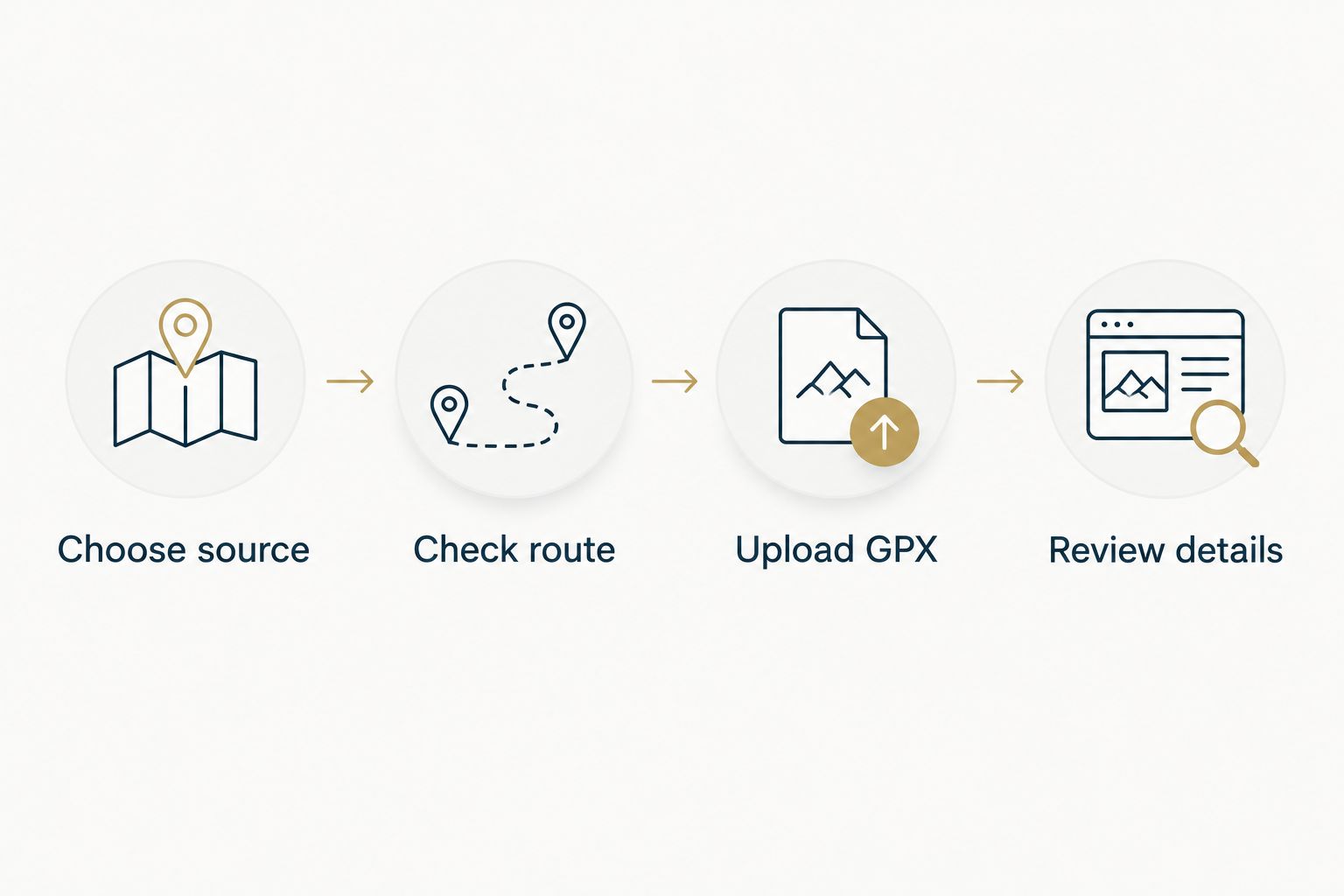
Print My Routes provides a custom route sculpture, not a reason to skip checking the source data. The useful shortcut is avoiding the need to build a terrain model yourself. The necessary work is choosing the right route and confirming what the order should commemorate.
Keep the source recording open while reviewing. Look for a recognizable overall shape, the correct start area, and the expected finish area. For a loop, confirm that the loop is complete; for an out-and-back, confirm that the turnaround is present.
Personalization and order review
Prepare the finisher details
- Write the details in a separate note. Record the athlete’s preferred name, exact event name, and race date. Add finish information only if you want it included and the available personalization supports it.
- Match the details to the selected race. A 2026 sculpture order does not automatically mean the race happened in 2026. Use the event’s actual date.
- Enter only supported personalization. Follow the choices shown during ordering. Do not assume that a note will create an engraving, additional component, or layout that has not been offered.
- Proofread against the original records. Compare names with the recipient’s preference and finish details with the relevant result. Do not use the recording duration as a substitute for an official finish result.
Expected result: The proposed personalization describes the same milestone as the uploaded route, with no unverified finish information.
Check meaning as well as spelling
A personal best, first marathon, and first ultra are different achievements. Choose wording that reflects what the recipient values rather than adding every available fact.
For a gift, ask yourself whether the athlete would recognize the route without an explanation. If the route includes a pre-race jog or an unrelated drive, correct the source before worrying about the wording.
For a 2026 event award, keep the shared event details separate from each finisher’s details. That makes inconsistencies easier to spot before ordering, without assuming a bulk-upload feature exists.
Order submission
Confirm the final handoff
- Review the route source again. Confirm that the selected GPX or activity is still the intended source after making any changes.
- Review the order choices. Check the personalization and every product option actually presented. Do not infer a material, dimension, or finish from an illustrative image alone.
- Confirm recipient and delivery information. Use the details required by checkout. For a gift tied to a presentation date, check the current fulfillment information before committing to that date.
- Submit the order deliberately. Keep the order confirmation and the source GPX together so you can identify exactly which route you supplied.
Expected result: You have submitted an order associated with the intended route and retained a record of the details you provided.
Do not treat the upload as an automatic printing trigger. A saved activity, a connected account, and a submitted order are different things. Complete the ordering process rather than assuming that one action replaces the others.
Start your race route sculpture
Use your checked GPX route to prepare a personalized finisher keepsake.
Use a Strava activity instead of a GPX file
A Strava activity is the adjacent workflow when the race recording already lives in that account. Print My Routes accepts route data through GPX uploads or Strava; choose the source you can verify most confidently.
- Identify the exact race activity before starting the connection.
- Follow the account connection and permission prompts presented during ordering.
- Select the intended activity where activity selection is offered.
- Review the route and personalization before completing the order.
Expected result: You have supplied the race through Strava rather than selecting a local GPX file. Read the Strava-to-sculpture workflow for that route-data path.
The advantage is using an activity you already recognize in your account. The trade-off is account authorization and activity selection rather than local file management.
Do not assume a later Strava edit updates an existing order. If you change the source after ordering, establish which version is attached to the order before requesting another change.
Troubleshooting
The uploaded file is rejected
Confirm that you selected an actual GPX file, not an image, compressed download, or differently formatted export. Export the route again from its source rather than changing another file’s extension to .gpx.
Keep the original export. Repeatedly editing copies without tracking them makes it harder to identify which file contains the correct route.
The route contains a long straight jump
Compare the line with the original recording. A gap between recorded positions can appear as a straight connection rather than the trail you followed.
Use a verified source that represents the intended route. Do not assume the sculpture process can reconstruct an unrecorded section accurately.
The route includes a warm-up or post-race walk
Inspect the activity start and finish before uploading. If you trim the recording, preserve the original and check the edited copy from end to end.
Confirm that the race start and finish remain present. Removing extra movement should not remove part of the event itself.
The race has several GPX files
Determine whether the files represent stages, separate recording sessions, or alternative courses. Identify which route the keepsake should represent before supplying a file.
Do not upload an arbitrary stage and expect the full event to appear. Resolve multi-file handling through the available ordering support before submitting an order that depends on it.
The finish time does not match the activity duration
Check whether you are comparing official results, elapsed recording time, or moving time. Those measurements describe different things.
For a finisher keepsake, use the result the athlete wants commemorated and verify its source. Do not substitute one time measurement for another without checking.
Customize your workflow
Build a small source folder for each milestone: the original GPX, the checked working copy if needed, and a note with the intended personalization. This keeps the route and the story together without requiring an automation service.
For a 2026 gift, prepare that folder before starting the order. For a race-director project, first decide whether everyone receives the official course or whether individual route recordings are part of the concept. Those are different collection and review tasks.
Expand the workflow only after the single-route order is clear. A repeatable checklist is useful; an assumed automatic ordering connection is not.
FAQ
How do I upload a race GPX file and order a finisher sculpture?
Choose the correct race GPX, inspect the route, and supply it through the GPX upload path during ordering. Review the available personalization and order details before submitting the order.
Does uploading a GPX automatically start printing?
Do not treat a GPX upload as an automatic printing instruction. Complete the ordering process and retain the confirmation so you know which route and details you submitted.
Should I use my recorded race or the official course GPX?
Use your recorded race for a keepsake of your own journey, or the official GPX to commemorate the planned course. Check either source for the correct event edition and complete route.
Can I use Strava instead of downloading a GPX?
Print My Routes accepts route data through Strava as well as GPX uploads. Identify the correct activity and follow the connection process presented during ordering.
Can I order a route sculpture as a surprise gift?
Yes, prepare the intended route and recipient details before ordering. Obtain permission to use the athlete’s recording, and do not assume you need access to their entire activity account.
What if my watch stopped recording before the finish?
Do not assume an incomplete recording will reproduce the full race route. Use a verified complete source that matches what you want the sculpture to commemorate.
Can race directors use the same workflow for finisher awards?
Race directors should first establish a checked event course and a consistent set of recipient details. Confirm the ordering arrangements separately rather than assuming the individual upload process supports bulk production.
One last thing
A topographic sculpture represents terrain, not just the elevation chart from your watch. A route trace identifies where the activity went; an elevation profile describes height along that route. Check the geographic path first, especially when the most memorable moment was a summit or turnaround.
Before ordering from Print My Routes, ask one final question: does this file preserve the milestone the finisher wants to remember?